

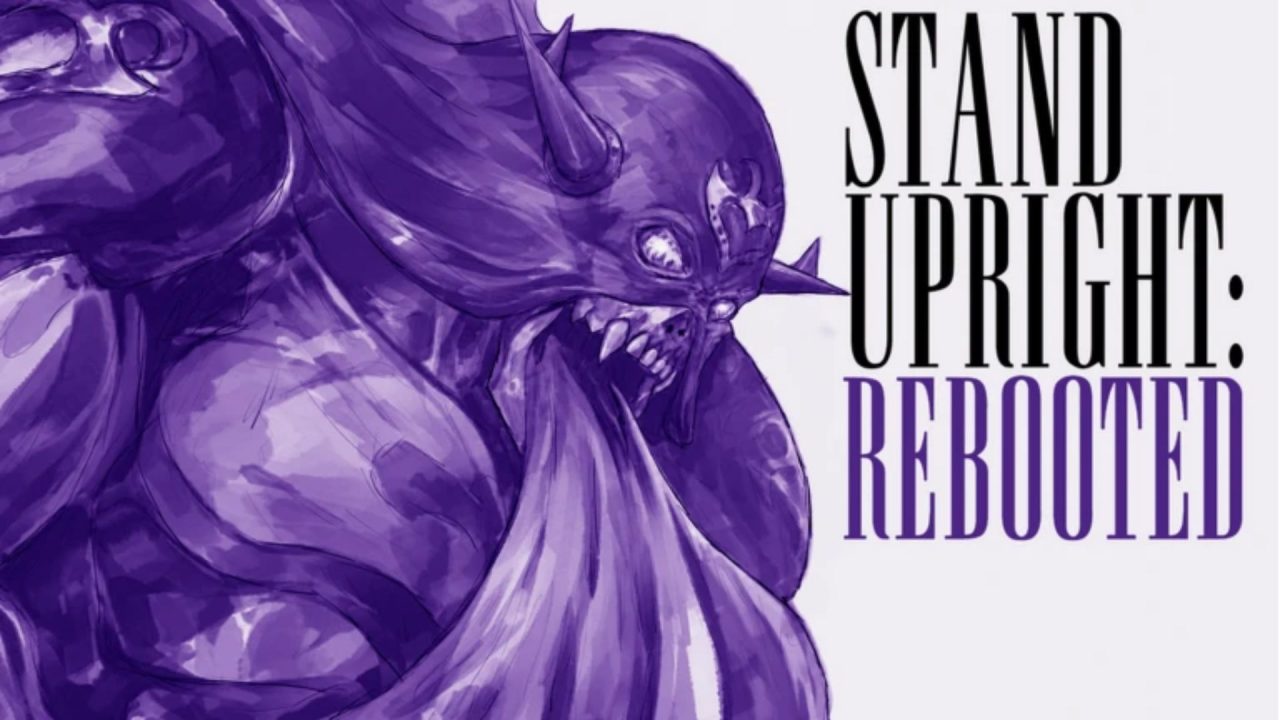
Stand Upright: Rebooted is a Roblox action RPG inspired by JoJo’s Bizarre Adventure. Much of the game revolves around getting a Stand, learning its abilities, and deciding whether to keep it or roll for something else.
Redeem codes can give you extra Arrows and Rokas if you’re still trying out different Stands. Some entries also offer Cash, Reroll Crystals, or event items such as Candy and Trick or Treat Baskets.
LIST OF ALL ACTIVE REDEEM CODES
Here are the five active Stand Upright: Rebooted codes and their rewards. Three require level 300, and one unlocks at level 50.
- RESTINPEACEMATEO: 100 Trick or Treat Baskets (level 300 required)
- DONTCLAIMTHEFREEASTRAYAOITSABRICK: Divine Arrows and Reroll Crystals (level 300 required)
- 0romserr: 1 Divine Arrow, 200 Candy, and 1 Item That Does Nothing (limited total claims)
- SORRYFORMONTHLYRAID: Reroll Crystals, Rokas, and Arrows (level 300 required)
- STANDUPRIGHTREBOOTED: 500 Locked Arrows and Rokas (level 50 required)
If you’re below level 50, try 0romserr first. It has no level requirement, but it stops working once players reach the shared claim limit. You can claim the Locked Arrows and Rokas at level 50 and try the other three codes once you reach level 300.
If you’re happy with your current Stand, save your Rokas until you’re ready to switch. Using one removes the Stand you have.
How to Redeem Codes in Stand Upright: Rebooted?
You need to join the Zai-Studios: SUR Roblox group before you can redeem codes. Once you’ve joined, you can enter them through the Codes button at the top of the game screen.
- Join the Zai-Studios: SUR group using the Roblox account you play on.
- Open Roblox and search for Stand Upright: Rebooted.
- Choose the experience by Zai-Studios: SUR and join a server.
- Select Codes at the top of the screen.
- Paste one code into the field and select Redeem to claim the reward.
- Repeat for each code you want to use.

The Roblox page also lists a separate 30-minute boost that doubles EXP and money. To get that boost, join the same group and follow ZAIXOZ on Roblox. The boost doesn’t require a code.
Redeem Codes Not Working?
Start with whatever message the game gives you. A level requirement or claim limit tells you more about what went wrong than trying the same code over and over.
- Check the first character: The short code “0romserr” starts with a zero. For longer entries, copy the whole code and check for extra spaces at either end.
- Read the level requirement beside the reward: If you’re below the listed level, keep playing and try that code again once you reach it.
- Look for a maximum usage message: Some entries have a shared claim limit. If the game says a code reached maximum usage, the available claims have already been taken.
- Think back to your last claim: If the game says you’ve already redeemed the code, check your items or Cash balance before submitting it again.
- Rejoin if the code window stops responding: If the menu works after you reconnect and still rejects a correctly entered code, the entry may have expired.
If you’re building up a supply of Arrows for your next Stand roll, claim the bundles you qualify for before heading back into battle. You can also check the Stand Upright: Rebooted Discord for new codes and read the game announcements for any level requirements or claim limits that come with them.