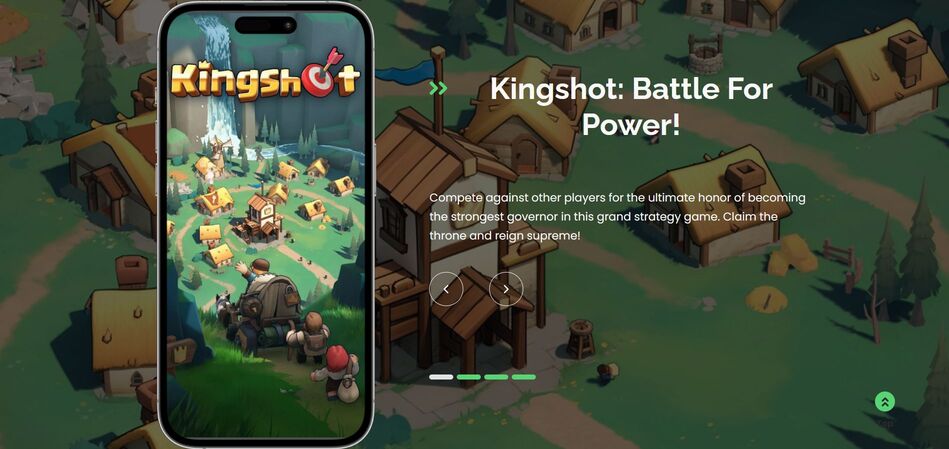
Keeping your kingdom strong in Kingshot means constantly upgrading heroes, improving defenses, and preparing for rebel invasions. All of that requires resources, and they can disappear surprisingly quickly.

Fortunately, Kingshot redeem codes can provide useful freebies, including Gems, Skill Books, Keys, and Speedups. These rewards can give you a helpful boost without requiring additional spending or grinding.
Below, you’ll find the currently active Kingshot gift codes, plus a step-by-step guide to redeeming them and troubleshooting common problems.
LIST OF ALL ACTIVE REDEEM CODES
- KS0822 — 3-day Avatar Frame, 5x 100 Gems, 2x 100 Hero XP, 10x 5m General Speedup
- Kingshot888 — 200 Gems, 2x Mythic Conquest Skill Book, 2x Mythic Expedition Skill Manual, 2x Gold Key
- VIP777 — 200 Gems, 2x Mythic Skill Books, 2x Gold Key
- KSPRAWNING — In-game resources and currency boosts
How to Redeem Codes in Kingshot?
Kingshot provides more than one way to claim codes. Android players can redeem codes from within the game, while iOS and web players can use the game’s redemption portal. Before redeeming a code through the web portal, make sure you have your Player ID and Kingdom number ready.

1. Find Your Player ID
Open Kingshot and tap your Avatar in the top-left corner. Your Player ID appears beneath your username. Copy it or write it down, as you’ll need it when using the web-based redemption method.
2. Select a Redemption Method
Your available method depends on the platform you’re using.
- Android: Open your Avatar menu, go to Settings, and select Gift Code.
- iOS and Web: Use the official Kingshot Gift Code Center. Enter your Player ID and Kingdom number when prompted.

3. Enter the Gift Code
Paste one of the active codes into the Gift Code field. Check the spelling and capitalization, then select Redeem or Confirm. You may need to repeat the process separately for each active code.
4. Check Your In-Game Mail
After the code is accepted, return to Kingshot and open your In-Game Mailbox. Your Gems, Keys, Speedups, Hero XP, and other rewards should be delivered there. Collect the items to add them to your account.

Redeem Codes Not Working?
Sometimes a code may appear correct but still fail to redeem. The most common explanations are straightforward.
- The Code Has Expired: Kingshot promotional codes generally don’t remain active indefinitely. Some may only work for a few days or a week before expiring. A previously active code will no longer provide rewards once its redemption period ends.
- You’ve Already Used the Code: Most gift codes can only be redeemed once per account or Player ID. Trying the same code again won’t grant another set of rewards.
- The Code Was Entered Incorrectly: Because Kingshot codes are case-sensitive, even a small difference can cause an error. Double-check every letter and number, paying particular attention to uppercase and lowercase characters.

Kingshot redeem codes are an easy way to pick up extra resources and strengthen your kingdom without spending additional currency. The rewards can be particularly useful early on, when Gems, Skill Books, Speedups, and Keys can have a noticeable impact on your progression.