


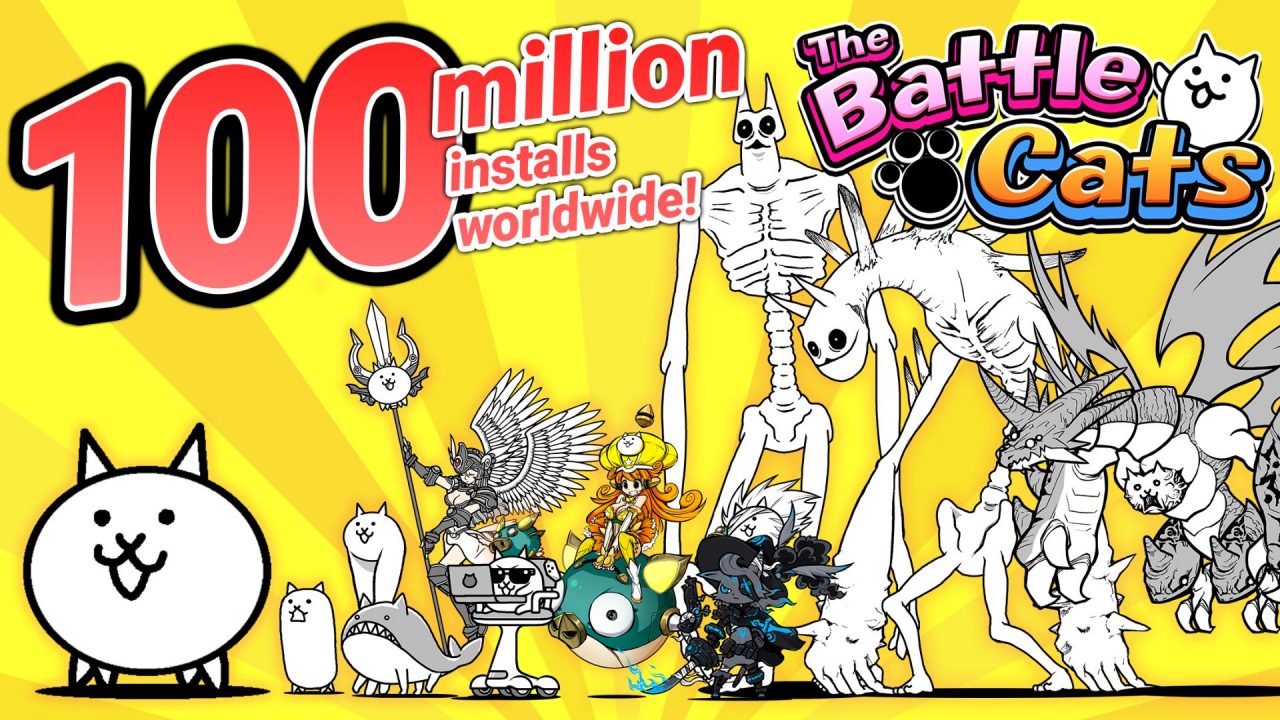
The Battle Cats is a tower defense game from PONOS where you build a cat army and send it against all sorts of strange enemies. Clearing stages gives you XP and items for improving your units, while new Cats add more options to your lineup.
In this article, you can find the latest redeem code information, the rewards connected to serial codes, and how the system works across different versions of the game.
LIST OF ALL ACTIVE REDEEM CODES
There are currently no active redeem codes for the mobile version of The Battle Cats. The old serial-code feature was removed in Version 4.3, along with the “Invite Friends to get Moneko” option that contained the redemption button.
Before its removal, the game used several types of serial codes. Gift Codes were given to contest winners and could provide XP, Cat Food, or Tickets. Secret Codes gave players hidden Cat Units, while Merchandise Codes came with selected products, movie tickets, and CDs. These codes were usually connected to a particular giveaway or purchase.
Players may still see serial codes mentioned online for The Battle Cats Unite!, which is a separate Battle Cats game released for Nintendo Switch. Those codes only apply to that Switch game and may require a specific promotion, product, or linked Nintendo Account. They cannot be redeemed in the Android or iOS version of The Battle Cats.
How to Redeem Codes in The Battle Cats?
The mobile version of The Battle Cats does not currently have a place to enter serial codes, so there are no working redemption steps for Android or iOS players.
The previous method involved opening “Invite Friends to get Moneko” from the title screen, selecting the green Serial Code button, and entering the code. That menu was removed from the mobile game in Version 4.3 and should not be used as a current set of instructions.
If PONOS adds a new redemption feature in a future update, we will update this section with the proper steps and explain where the rewards can be collected.

Redeem Codes Not Working?
If redeem codes become available in the mobile version later, a valid code may still fail for a few common reasons. Work through the checks below before assuming that the reward is unavailable:
- Check the Code: Type the code exactly as it appears, including its capitalization, numbers, and special characters.
- Check the Expiration: Promotional codes may remain available for a limited time and stop working without much notice.
- Check Previous Redemptions: Most codes can only be used once on the same game account.
- Check the Requirements: Some rewards may require an updated game version, completed tutorial, or a certain amount of progress.
- Try a New Session: Close the game, launch it again, and enter the code on a fresh server if the redemption is still unsuccessful.
Mobile players can continue progressing by clearing stages, collecting XP and items, upgrading their Cat army, and unlocking more units through regular play. This article will be updated if PONOS introduces a new promotional reward system or brings code redemption back to the mobile game.

