

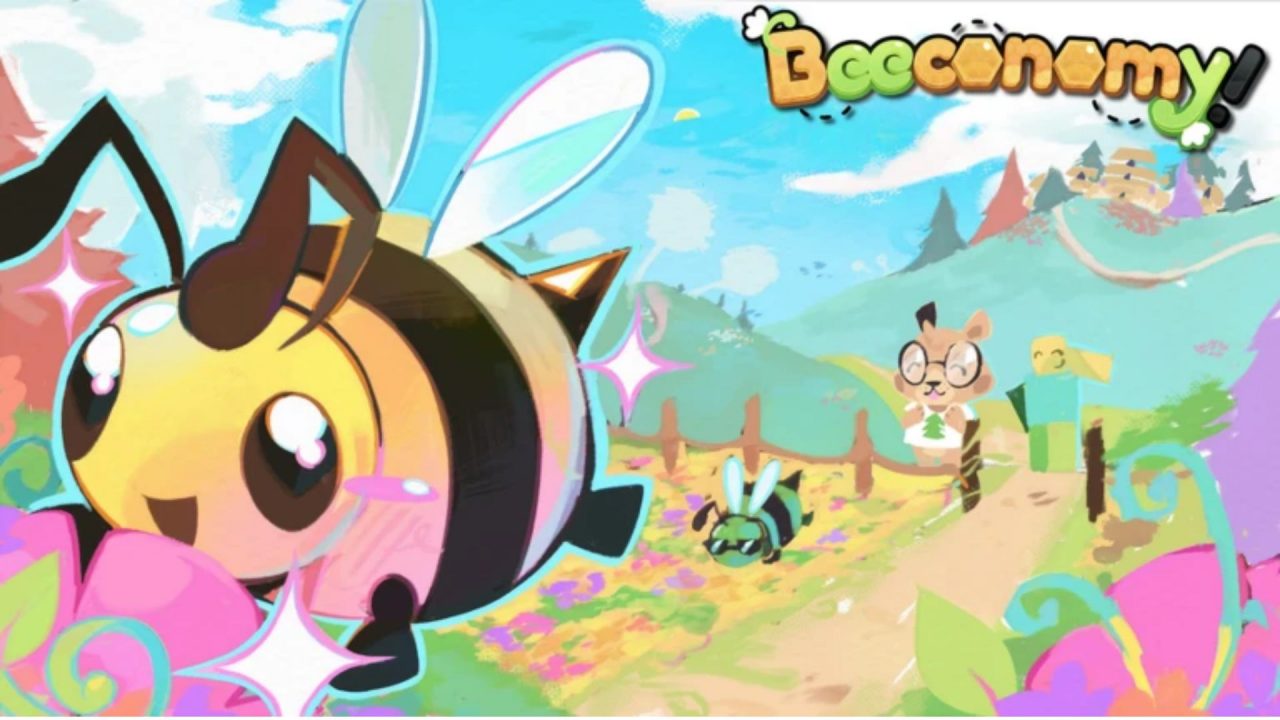
Beeconomy is a Roblox simulator where you collect bees and put them to work. You can gather pollen in Grassy Grove, hatch eggs to build your swarm, and take your bees into fights as you unlock new areas. There’s also a Bee Index to fill out if you like keeping track of what you’ve collected.
Redeem codes give you a few extras for your next session. The current rewards include Shiny Orbs, Egg Luck V, and Huge Hunter Elixirs. You can also pick up a Code Squid or claim Swag through the same in-game menu.
LIST OF ALL ACTIVE REDEEM CODES
Here are the active Beeconomy codes and the reward you get from each one:
- FIXESANDFUN: 100 Shiny Orbs
- LetsHuntTonight: 3 Huge Hunter Elixirs
- AMAZINGFANS: 3 Egg Luck V and 3 Huge Hunter Elixirs
- SquidFun123: 1 Code Squid
- welcome: Swag
Redeem these Beeconomy codes while they’re still active, since they can expire without warning.
How to Redeem Codes in Beeconomy?
Here’s how to redeem your codes in Beeconomy:
- Open Roblox and search for Beeconomy.
- Join a server and complete the short tutorial if you’re playing for the first time.
- Select Gifts on the left side of the game screen.
- Select Codes, the fourth tab across the top of the Gifts menu. It has a blue bird icon and sits between Levels and Beta.
- Paste one code into the Enter code… field.
- Select the green Redeem button, then enter the next code separately.

Redeem Codes Not Working?
If Beeconomy rejects a code, here’s what to check before you try it again:
- Finish the tutorial first: If you’ve just joined and can’t find Gifts on the left, finish the opening tasks before looking for the code box.
- Copy the capitalization as shown: welcome is all lowercase, while LetsHuntTonight uses a mix of capital and lowercase letters. If you pasted the code, check for a stray space at either end.
- Check for an earlier claim: If you’ve tried the same code before, check whether you already received its reward on that Roblox account before submitting it again.
- Rejoin if the menu stops responding: If the entry field freezes or the button won’t respond, leave the game and join a fresh server before trying again.
- Look for an expiry message: If Beeconomy says the code has expired, move on to the next one. Switching servers won’t restore an expired reward.
Pick up the items you want before heading back to your hive. If you’re saving up for another round of hatching, you can claim the elixirs now and decide when to use them later. For future codes, check the Beeconomy Roblox community when an update goes live.