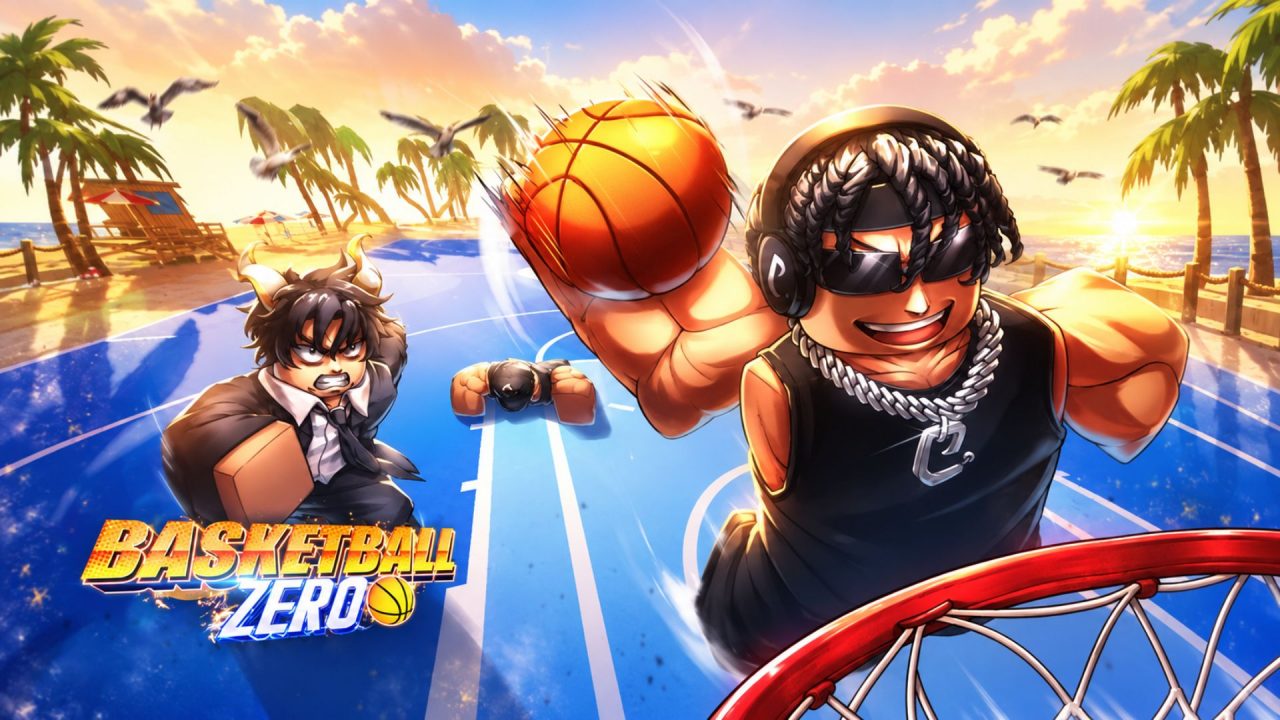
Basketball: Zero brings fast 5v5 matches and anime-style basketball abilities to Roblox. Different Styles and Zones can change how your character moves, shoots, and controls the court, so finding ones that suit your playstyle can make matches more enjoyable.

Redeem codes give you free Lucky Style Spins and Lucky Zone Spins. These rewards provide more chances to roll for different options without spending Robux or waiting to earn every Spin through regular play.
LIST OF ALL ACTIVE REDEEM CODES
Here are all the active redeem codes for Basketball: Zero and the rewards you’ll recieve:
- IZURE: 10 Lucky Style Spins and 10 Lucky Zone Spins
- 15IZURE: 15 Lucky Style Spins and 15 Lucky Zone Spins (requires at least 15 minutes of playtime)
Lucky Style Spins are used to roll for new Styles, while Lucky Zone Spins give you another chance to change your Zone. Both can affect how your character plays during a match.

Before using either code, you must like Basketball: Zero on its Roblox page and join the Current. Roblox community connected to the game. There is no minimum level requirement for redeeming these rewards.
How to Redeem Codes in Basketball: Zero?
The redemption box is available from the main lobby. Complete the Roblox account requirements first, and then follow these steps:
- Visit the Basketball: Zero page on Roblox and like the experience.
- Join the Current. Roblox community associated with the game.
- Launch Basketball: Zero through Roblox.
- Wait until your character loads into the main lobby.
- Select the purple Codes gift button on the bottom menu.
- Enter an active code in the Enter Code box.
- Press Redeem to collect the free Spins.

Basketball: Zero codes are not case-sensitive, though copying them exactly as displayed can still prevent mistakes. If you joined the Current. community while the game was already running, leave your current server and launch the experience again before redeeming them.
Redeem Codes Not Working?
If Basketball: Zero rejects a code, work through these checks:
- Complete the Account Requirements: Confirm that you have liked the game and joined the Current. Roblox community. The code system will display a warning if either requirement is missing.
- Meet the Playtime Requirement: The 15IZURE code requires at least 15 minutes of playtime. Stay in the experience until you have met that condition, and then try it again.
- Remove Extra Spaces: A space before or after the code can cause an error. Clear the field completely and paste the code again.
- Check Whether You Already Used It: Each code can normally be claimed once on the same Roblox account. Entering it again will not provide another set of Spins.
- Rejoin the Experience: Leave Basketball: Zero and connect to a new server. This can help the game recognise a recently completed community requirement or a newly added code.
- Check Whether the Code Expired: Roblox codes can be disabled without a fixed public deadline. If every requirement has been completed and the code still fails, it may no longer be available.
The active Basketball: Zero codes give you plenty of Lucky Spins to test your chances with new Styles and Zones. Complete the group and playtime requirements, redeem both codes, and then take your new options onto the court.