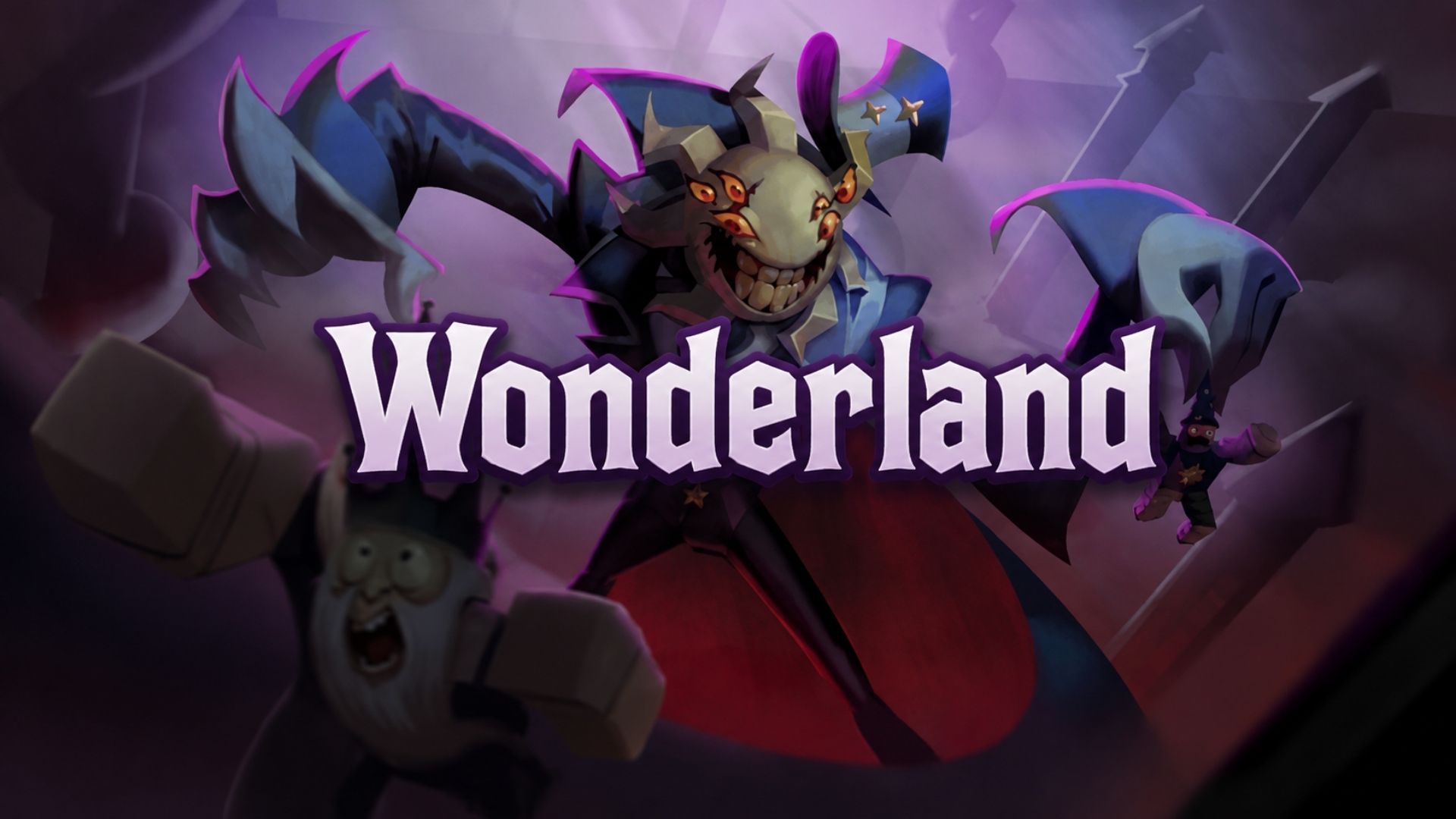
Wonderland may look like a colorful paradise made for children, but its cheerful appearance hides a creepy Roblox horror adventure. ScaryPlay mixes puzzles, mini-games, combat, and survival as players try to handle the strange creatures waiting inside.

In this article, you can check whether there are any active Roblox Wonderland redeem codes as of September 2026, learn how to use them, and find other ways to collect free rewards.
LIST OF ALL ACTIVE REDEEM CODES
There is currently one confirmed working Wonderland code:
- RELEASE26 – 100 Gems
The code has no confirmed expiration date, so it could stop working without much warning. Enter it exactly as shown and check that the Gems have been added before continuing your adventure.
How to Redeem Codes in Roblox Wonderland?
The code box is located inside the game’s Shop menu. Follow these steps to find it:

- Launch Wonderland through Roblox.
- Enter the main lobby.
- Open the Shop menu.
- Select the Codes tab.
- Enter an active code in the box.
- Press the green Redeem button.
- Check your Gem balance to confirm that the reward arrived.

Redeem Codes Not Working?
A small typing mistake is usually the first thing to check. Roblox codes may use specific capital letters, so enter RELEASE26 exactly as it appears in the active list.
The code may also fail because:
- An extra space was added while copying it.
- You already claimed it on your account.
- The code has stopped working since it was last checked.
- Your current game session needs to be restarted.
Try joining a fresh server after checking the spelling. If the code still fails, it may no longer be available.
ScaryPlay has an official Discord server where players can read patch notes, see game announcements, share feedback, and find teammates. Future code announcements may also appear there.
New codes can arrive around game updates, events, likes, visits, or other community milestones. However, ScaryPlay does not follow a predictable release schedule. You can bookmark this page and return whenever a new update reaches the game.