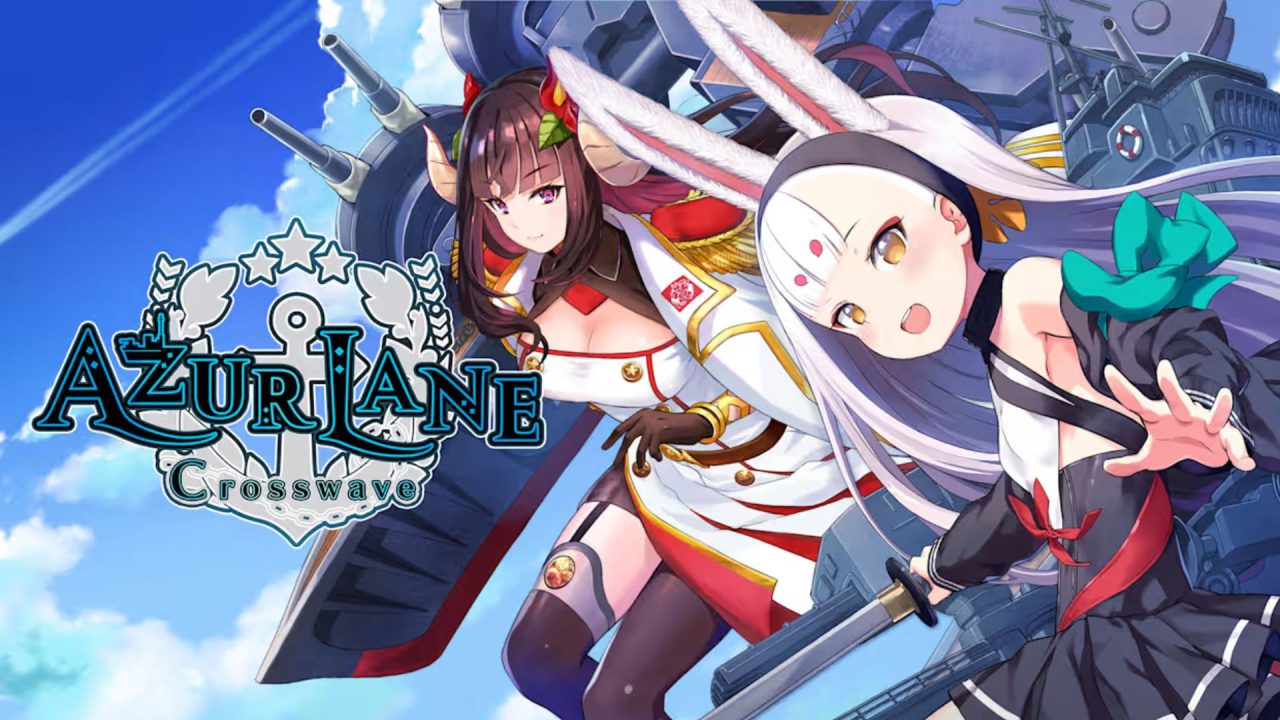
Azur Lane is a side-scrolling strategy and action game where historical warships are represented by anime-style characters. Players recruit ships, manage fleets, choose formations, and take part in real-time naval battles. Redeem codes can provide extra items and resources that help with fleet progress.

LIST OF ALL ACTIVE REDEEM CODES
There is currently one active Azur Lane redeem code. Codes are case-sensitive, so copy it exactly as written below.
- AZUR2026
The availability of a code can change because some promotions have a limited claim period or apply only to certain regions. Using the code early gives you a better chance of receiving the reward before it is removed.
How to Redeem Codes in Azur Lane?
Azur Lane offers two ways to redeem codes, either through the official redemption website or directly inside the game.

Redeem Codes Through the Azur Lane Website
Azur Lane provides a code redemption website. Here are the steps for submitting the active code through it:
- Open the Azur Lane code redemption website.
- Select your preferred language.
- Choose your region from the available options.
- Select your server, then enter your UID and the active code in the correct fields.
- Press Confirm to submit the code.
- Return to Azur Lane and check your account for the delivered reward.

If the reward does not appear, close the game and launch it again. The items should be sent to the game account connected to the UID entered on the website.
Redeem Codes Inside Azur Lane
There is also a Redeem Code option inside the game. If this option appears for you, use these steps:

- Launch Azur Lane and open the main screen.
- Tap on the Settings gear in the upper-right corner.
- Then select the Account tab from the left bar.
- Scroll down to find the Gift Code option.
- Enter the code exactly as shown in the field and submit the entry.
- Open the in-game mailbox and collect the reward.
Redeem Codes Not Working?
If the Azur Lane code is not accepted or the reward does not arrive, check the following:
- Check the Characters: The code is case-sensitive. Make sure every capital letter and number matches, with no spaces before or after the entry.
- Check Its Availability: A code may have expired, reached its total usage limit, or been removed after a short promotional period.
- Check Your Account History: A code that was already redeemed on the same account will not provide its reward again.
- Check the Account Details: Confirm that you selected the correct region and server and entered the UID belonging to the account where you want the items delivered.
- Restart After Redeeming: Temporary maintenance or server problems can delay delivery. Relaunch Azur Lane and check the in-game mailbox again.
A promotion may also include an account-level or progress requirement. If the code is entered correctly but still fails, check whether your account has completed enough of the game and whether the offer is available on your server.
The active code offers an extra reward without requiring a purchase, so it is worth trying while it remains available. Enter it carefully, confirm the correct account details, and check the mailbox after redemption.