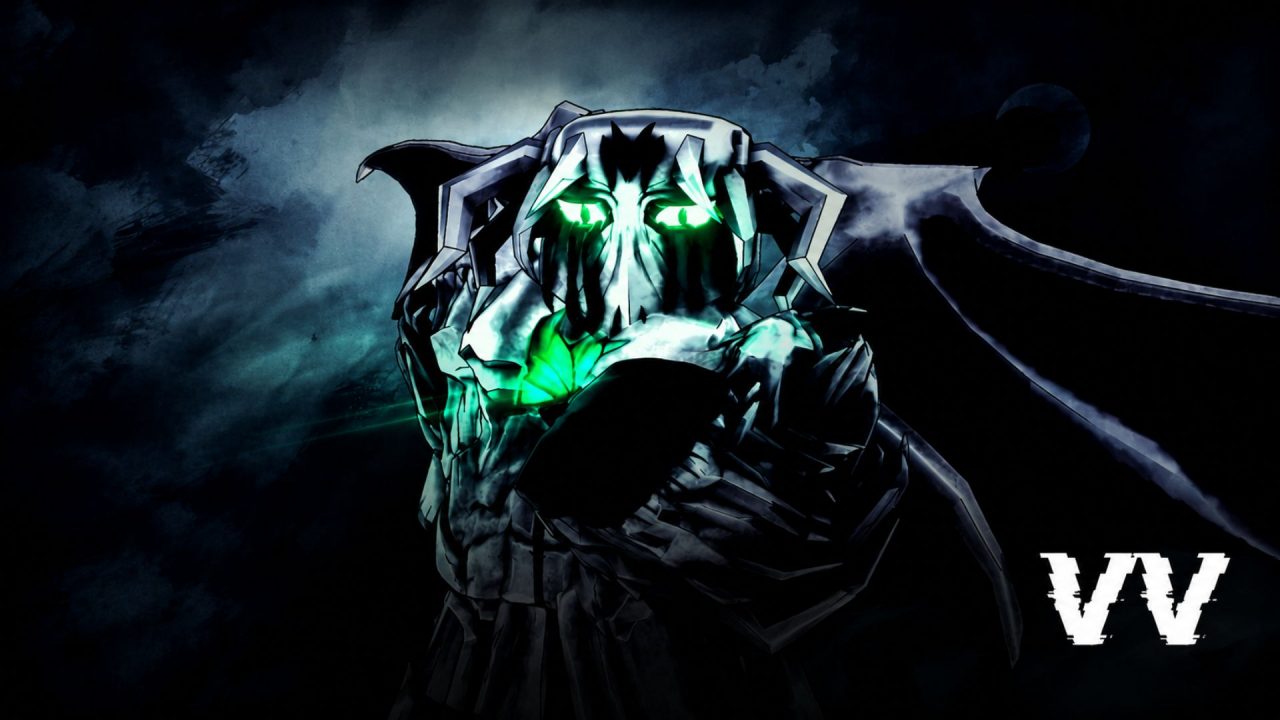
VV: ULTIMATUM is a Roblox action RPG inspired by Bleach. Players can follow different progression paths as an Arrancar, Quincy, or Shinigami, with each faction offering its own skills and approach to combat.

Redeem codes can help you adjust your character without spending as much time collecting resources. The available rewards include Ability and Clan Rerolls, Experimental Hogyoku Shards, Build Reset Tokens, Whetstones, and several cosmetic tokens.
LIST OF ALL ACTIVE REDEEM CODES
Here are all the VV: ULTIMATUM codes currently active:
- GOODMORNING: 50 Ability Rerolls, 25 Clan Rerolls, 10 Experimental Hogyoku Shards, 15 Reiatsu Color Tokens, 10 Theme Tokens, 10 Accessory Tokens, 2 Whetstones, and 1 Build Reset Token
- SORRY4DELAY: 15 Ability Rerolls, 15 Clan Rerolls, and 10 Experimental Hogyoku Shards
- LINI_MOZZARELLA: 10 Ability Rerolls
- UPD2: 20 Ability Rerolls and 1 Mythical Build Reset Token
Ability and Clan Rerolls let you change important parts of your build. The different Tokens cover character appearance and customization options, while Experimental Hogyoku Shards are another useful progression resource.
Enter the codes exactly as displayed. VV: ULTIMATUM codes are case-sensitive, and the underscore in LINI_MOZZARELLA must be included.

How to Redeem Codes in VV: ULTIMATUM?
New players need to complete the opening tutorial before the Shop and code options become available. You must also join the Midnight Continent Roblox community and verify your membership inside the code menu.
Follow these steps to redeem your codes:
- Join the Midnight Continent community on Roblox.
- Launch VV: ULTIMATUM through Roblox.
- Complete the opening tutorial if you are playing for the first time.
- Select the shopping cart or Shop icon near the top-left corner.
- Open the Codes tab inside the Shop.
- Select Verify to confirm that you joined the required Roblox community.
- Enter an active code in the Enter Code text box.
- Select Redeem or press Enter to collect the reward.
If the Shop icon has not appeared, continue through the introductory section until the full game interface becomes available.
Redeem Codes Not Working?
If VV: ULTIMATUM rejects one of the codes, check the following:
- Finish the Tutorial: The complete interface may remain locked during the opening section. Finish the tutorial before looking for the Shop and Codes tabs.
- Verify Your Community Membership: Joining Midnight Continent may not be enough on its own. Open the Codes menu and press the verification button before entering a code.
- Check Every Character: Match all capital letters, numbers, and underscores. An unwanted space at either end of the code can also cause an error.
- Check Previous Redemptions: Most codes provide their rewards once per Roblox account. A code you already claimed will not give the same items again.
- Join a New Server: Recently released codes may fail on an older game server. Leave the experience, launch it again, and then repeat the redemption steps.
- Check the Code’s Availability: A promotional code can be removed after an update or event. If your account meets every requirement and the entry is correct, the code may have expired.

These codes can give you more freedom when changing your clan, abilities, appearance, or overall character build. Complete the tutorial and community verification first, then redeem each available reward from the Shop menu.